Teach as usual. Downtime supports every part of your lesson, live.
This live lesson assistant runs in your browser, in your classroom or your online class (PdPR). It backs you up in class and drafts documents around the lesson you taught, so you get your downtime back.
No card needed - 3 lessons or 180 minutes free every month.
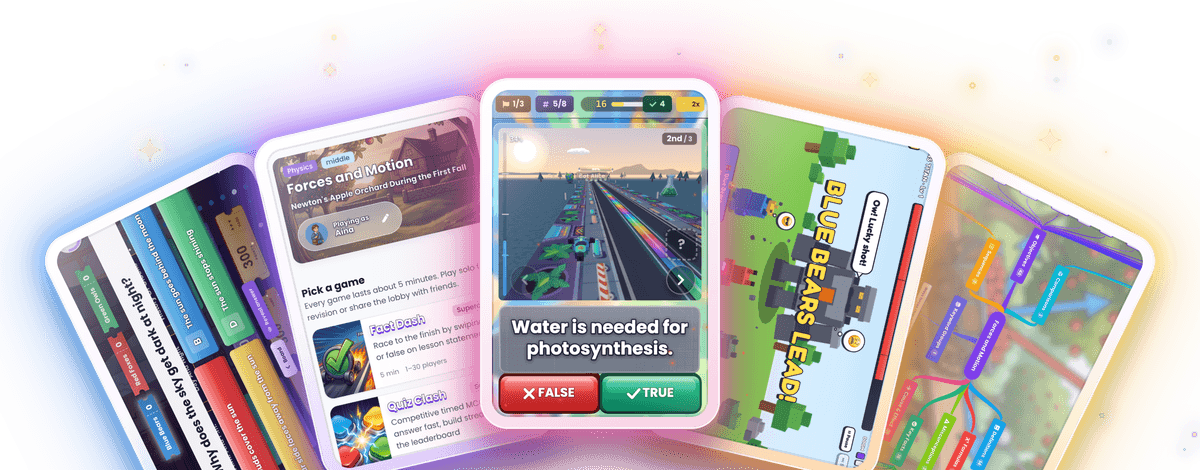
Ready for Malaysian schools:
DSKP-aligned
Automatic RPH drafting
Works for PdPR
Here is exactly what you do.
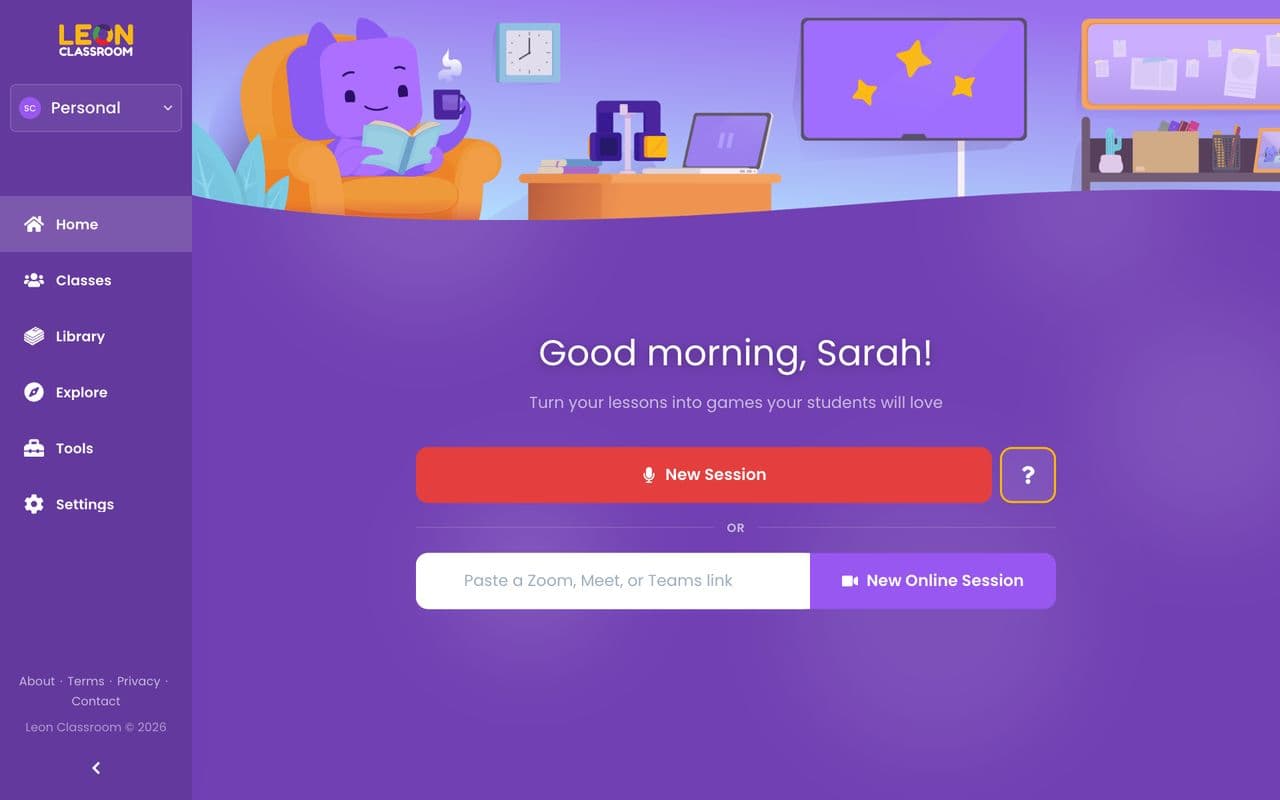
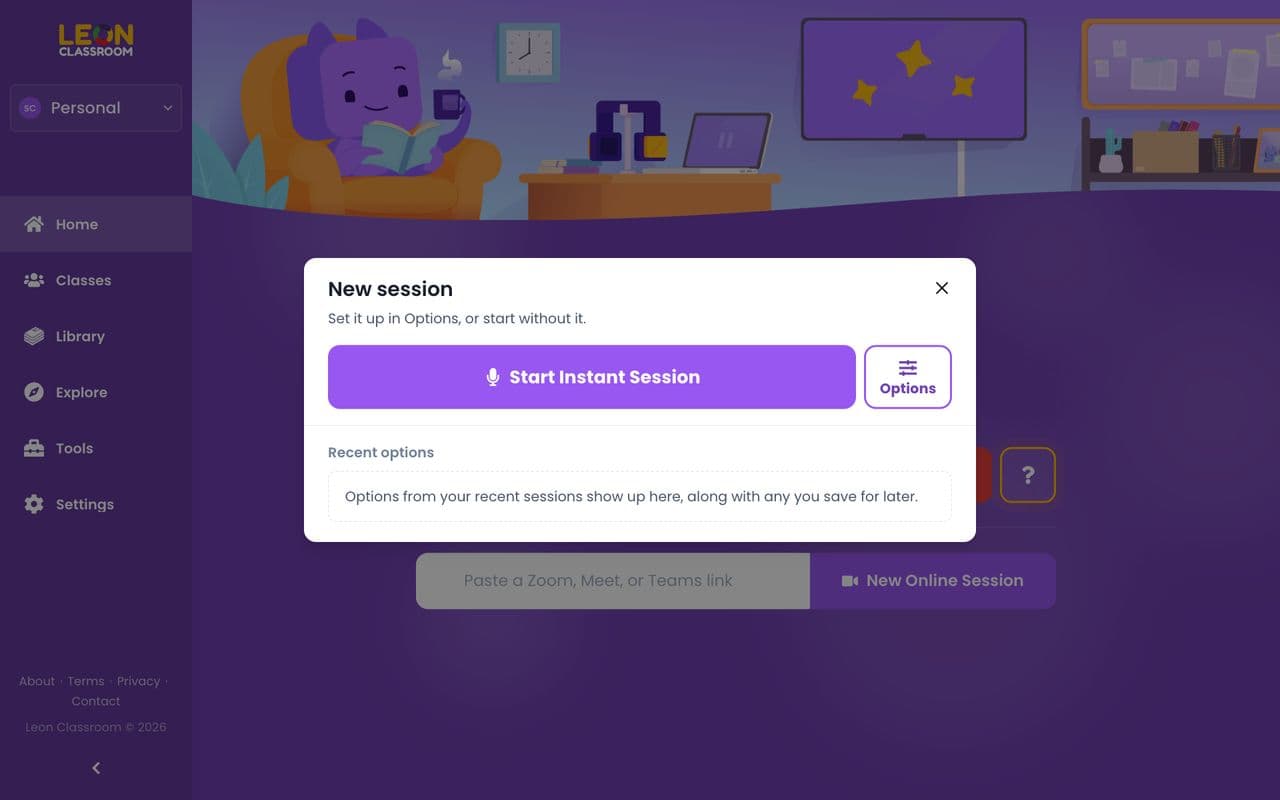
Watch each step on the real screens. All you need is a laptop with a browser and a microphone, and the screen your class already uses. Teach in Bahasa Malaysia, English or a mix of both.
app.leonclassroom.com
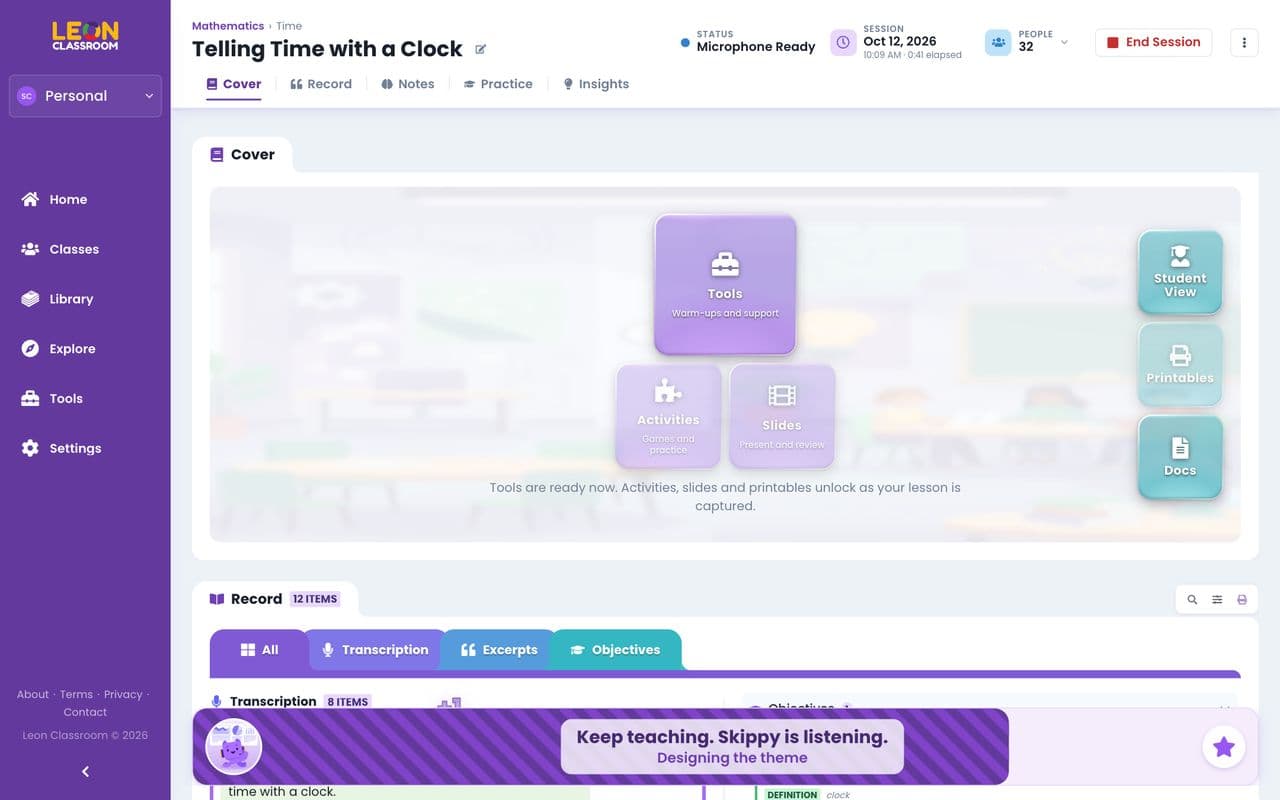
Try it in your next lesson.
Start freeFor the things that come up every week.
Each one starts from the lesson you are teaching, and takes a few taps.
In the lesson
Need a recap of last lesson?
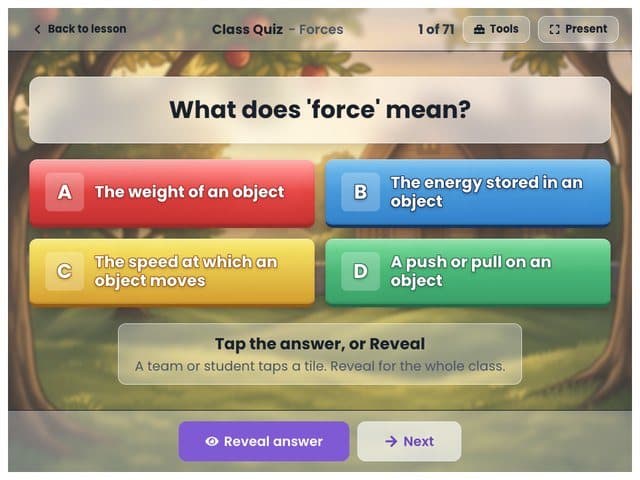
Open last lesson and replay a few of its questions on the board as a warm-up.
Not sure the class got it?
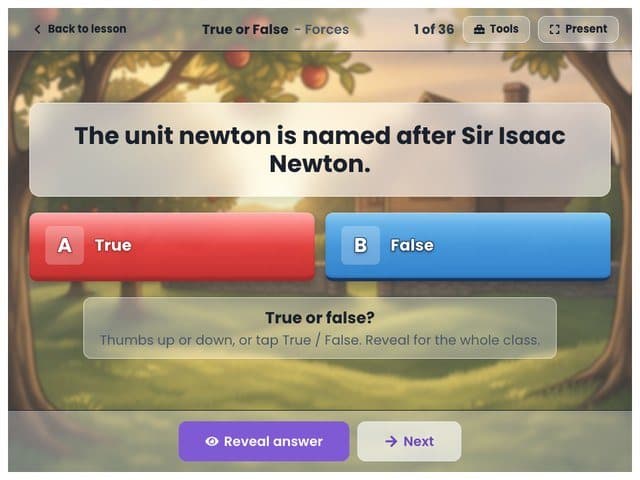
A minute or two after you teach a point, a True or False round on it is ready. The class shows thumbs, and you tap Reveal.
Time to check what stuck?
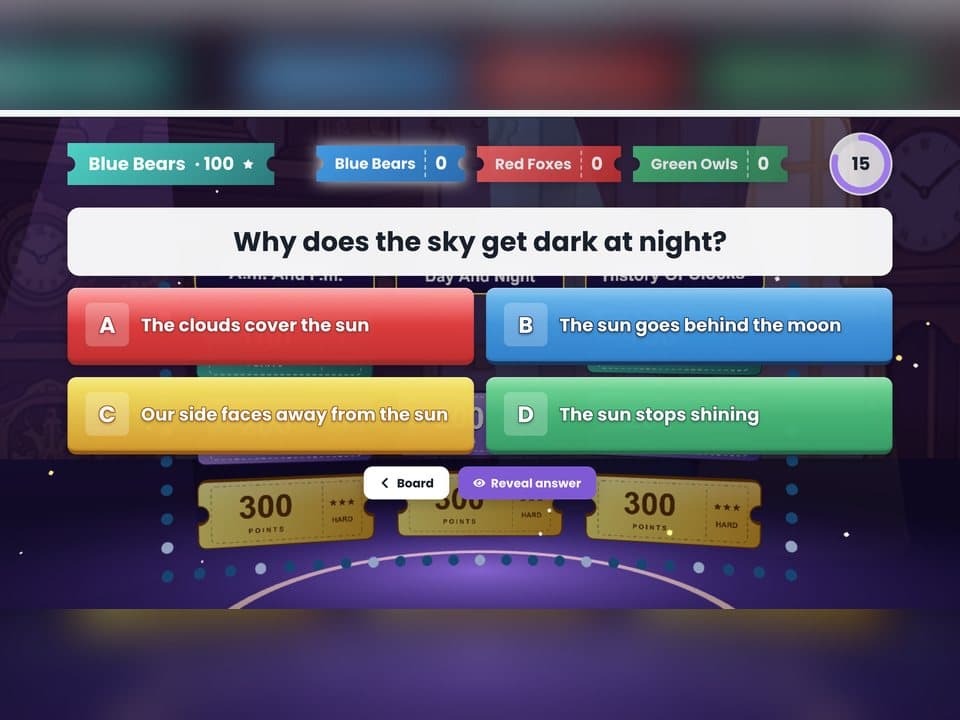
Play Quiz Show or Titan Takedown on today's lesson. The questions come from what you taught, so the game is the check.
Class feeling a little slow?
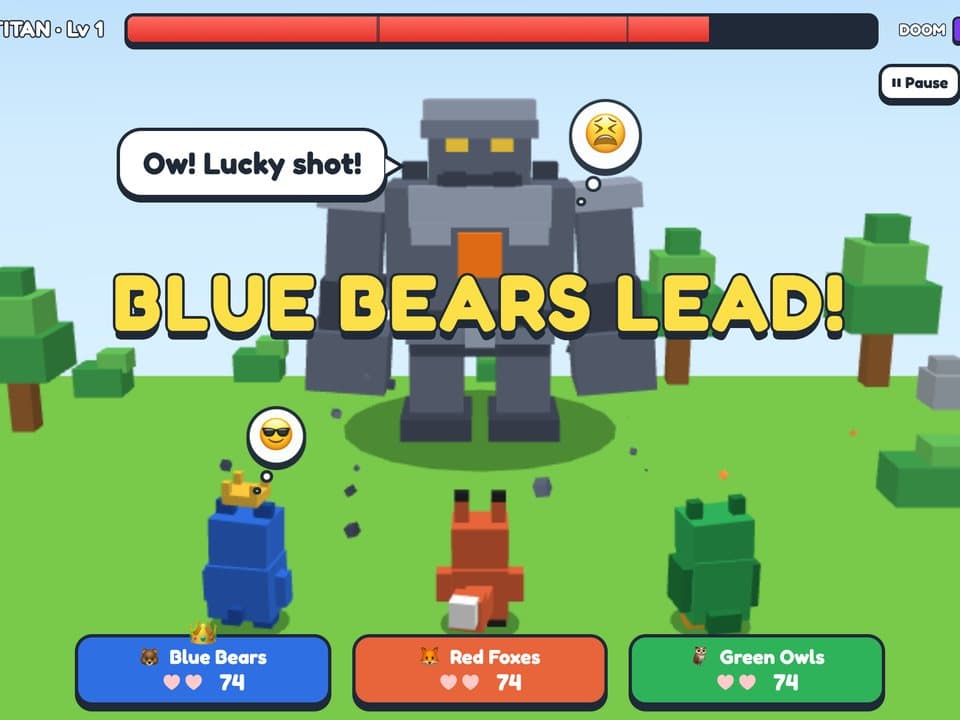
Start Titan Takedown. Teams answer questions on what you just taught to bring down a giant Titan, and the room wakes up.
Class still noisy after recess?
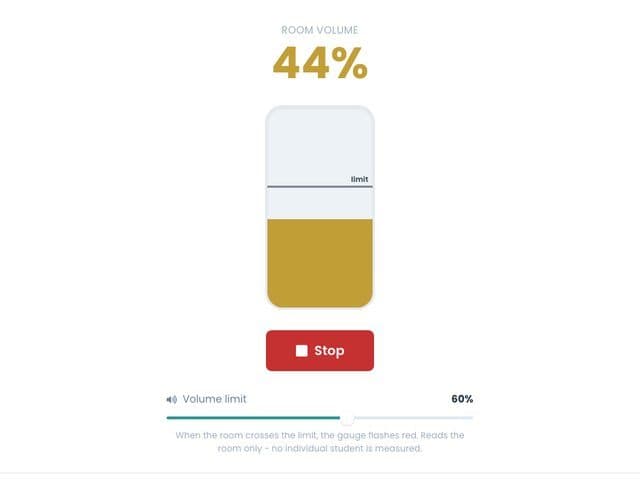
Voice Level shows the volume you expect, the Noise Meter shows how loud it is, and Breathe settles everyone down.
Same few hands every time?
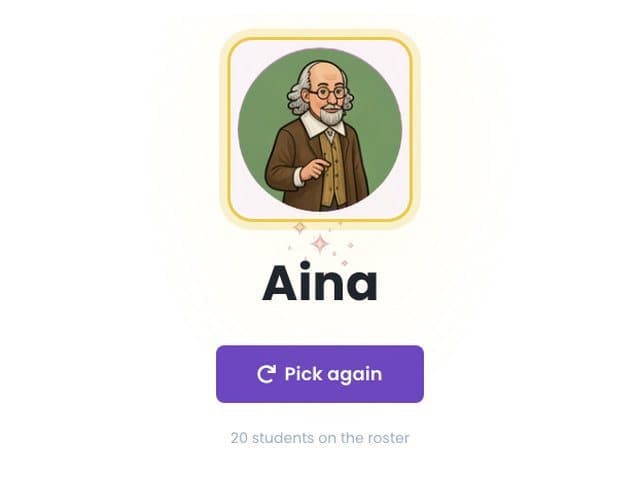
Add your class list once, and Name Picker and Cold-Call Deck give every student a fair turn.
Five minutes to the bell?
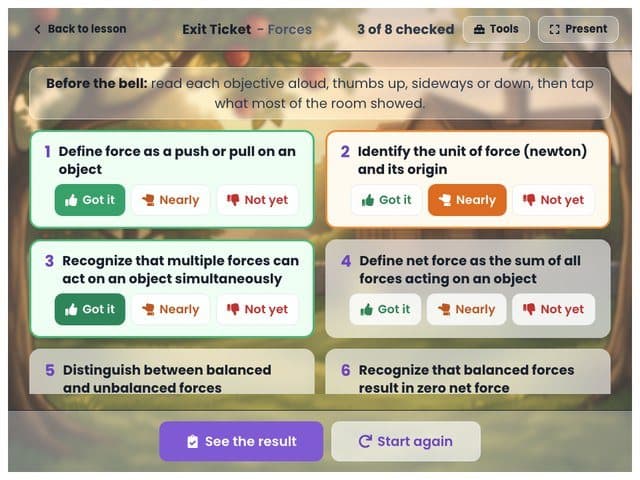
Recap Slide puts today's key points up in one tap, and Exit Ticket checks each objective with a show of thumbs.
After the lesson
A student missed the lesson?
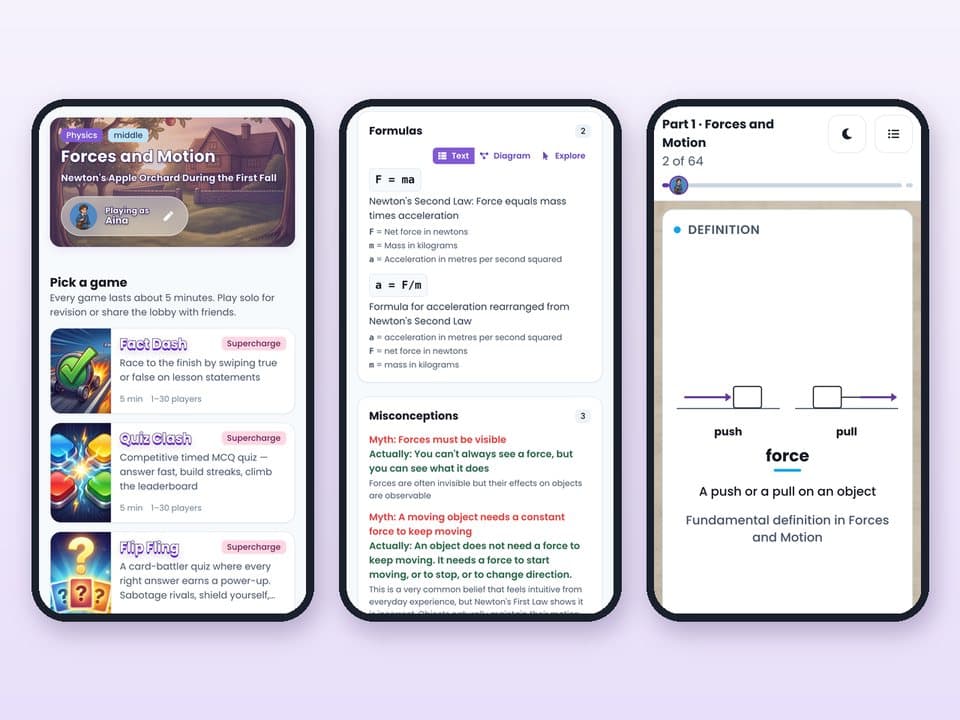
Share one Student View link in the class WhatsApp group. The notes, mind map, slides and practice games are all there, on any phone, with no account.
Need slides for the next class?
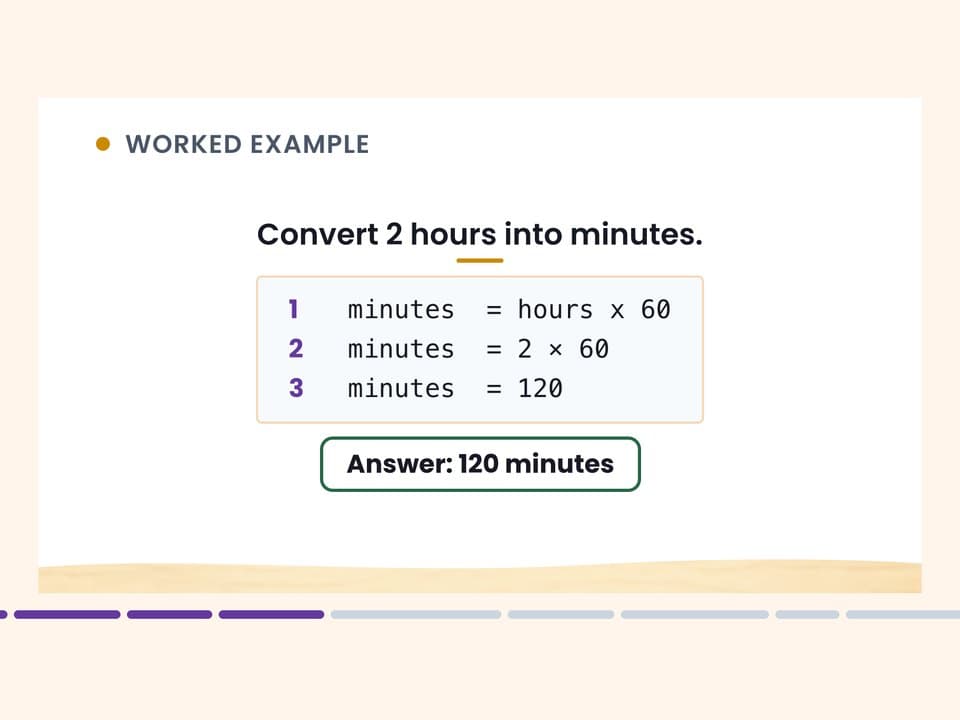
Today's lesson is already a slide deck. Download it as PowerPoint to edit in Canva, or print it as a handout.
Homework to set?
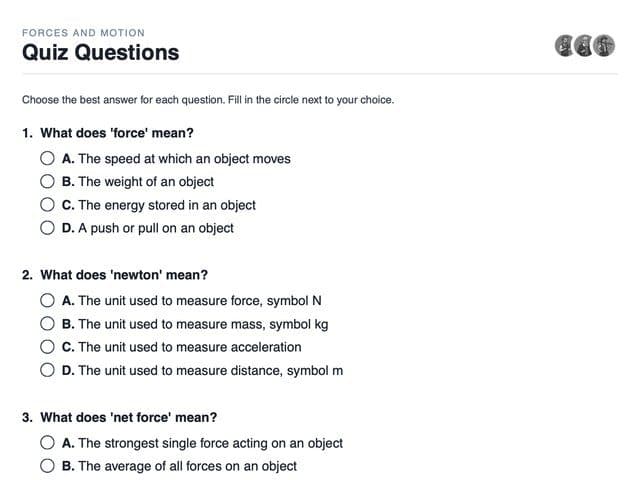
Print a worksheet made from today's lesson, with its answer key for you.
RPH to write up?
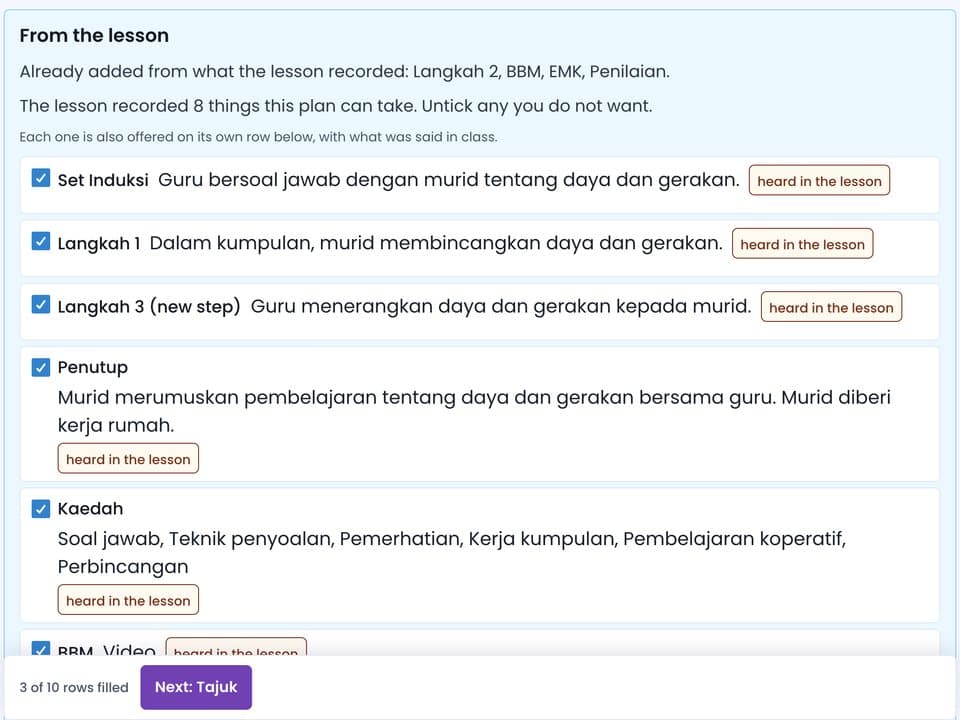
What ran and what you said is offered row by row for your RPH. Only what you accept goes in.
A parent asks what was covered?
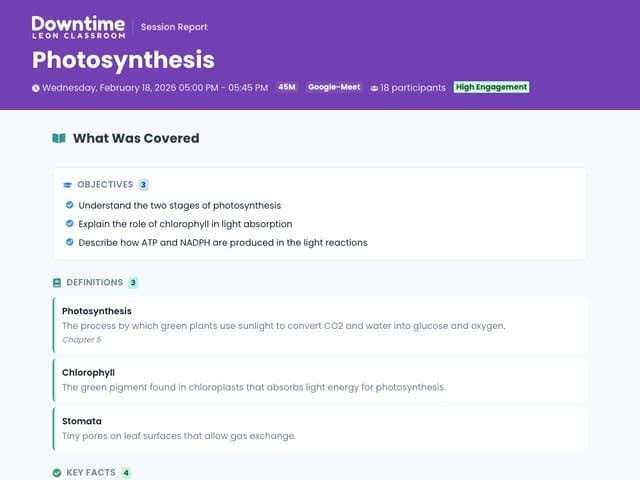
Copy the lesson summary link and send it. It is a read-only page with no student names on it.
Have it ready for next week.
Start freeWhat changes in each part of your lesson.
Whatever structure you plan with, from set induction to closure or I do, we do, you do.
| Usually | With Downtime | |
|---|---|---|
1 Starting the class | Usually:Settling the class, finding the file and recapping last lesson. | A warm-up from last lesson's questions, and today's objective on the board. |
2 Teaching the new topic | Usually:Writing notes on the board and waiting for everyone to copy. | Notes, key terms and a mind map build on your screen as you talk, with interactive pictures where the notes need them. |
3 Checking understanding | Usually:Asking questions and judging whether the class got it. | A True or False or Quick Quiz round on the point you just taught, answered with thumbs. |
4 Practice | Usually:Preparing questions, keeping score, then marking. | Team games like Quiz Show and Titan Takedown, and a printable worksheet with its answer key. |
5 Wrapping up | Usually:Squeezing a summary into the last few minutes. | Recap Slide, an Exit Ticket on each objective, and the lesson's slides for students to revise. |
It doesn't look like an app. It looks like the subject.
Every lesson gets its own world, with art made for its topic, so the games and slides feel like part of the subject.
Fits the age you teach
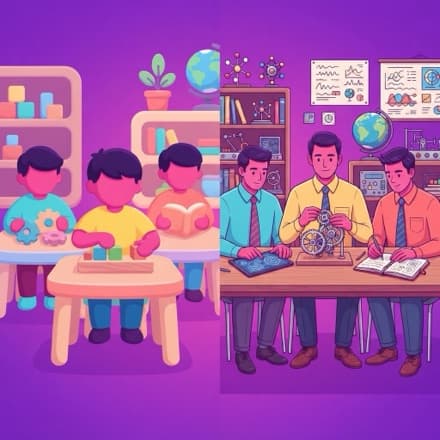
It looks playful and simple for the youngest, and more grown-up for senior classes.
Classroom-safe by default

The art stays modest and respectful on sensitive topics, and famous characters become look-alikes.
No student ever came to class for an app. They came for you.
Downtime builds only from your lesson, checks what it makes, and leaves every decision to you.
It builds from what you said
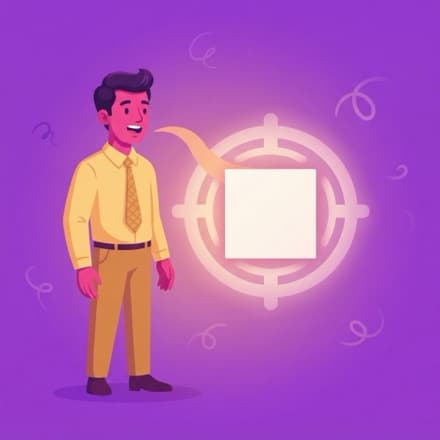
Downtime works only from what you say in the room. It leaves out the jokes and side chatter, and keeps to what you taught.
Every question is checked
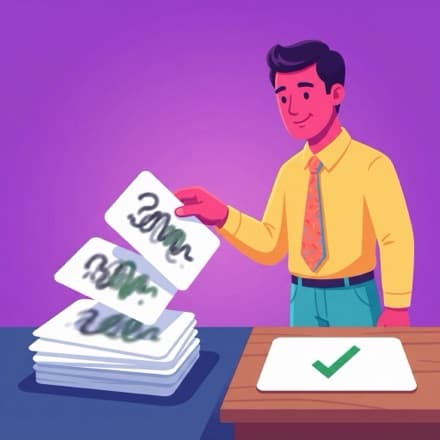
It removes answer options that could also be right, and checks the true-or-false and fill-in questions before they reach the board.
See where each item came from
Every question links to the moment in your lesson it came from, so nothing on the board is a mystery.
You run the room

Downtime never decides how you teach. It works from the lesson you give, and every draft waits for your review.
One plan. Everything included.
No tiers to compare. Every month you get 3 lessons or 180 minutes free - no card needed.
For every teacher
RM 69.90
/month
No card to start. Cancel anytime.
Unlimited lessons, all year round
Every part of the lesson, from notes and slides to games and printables
Your RPH drafted from each lesson, for you to review and confirm
In class or online (PdPR), in Zoom, Meet or Teams
In Bahasa Malaysia, English or a mix of both
Everything you make stays yours to keep
Priority support and the teacher community
Running a school or centre?
We build custom plans with admin tools, reporting and centre-branded rooms for your team.
Your evenings stay yours. We think that is a good deal.
Questions, answered plainly.
The things teachers ask before their first lesson.
The questions before your first lesson
Don't. Keep it for Friday fun. Downtime is not a quiz you prepare the night before. It works alongside the whole lesson as you teach it: the notes build as you talk, a round on the point you just made is ready a minute later, and the RPH is drafted afterwards.
The opposite. You teach exactly as you do now. Downtime never decides how you teach. It works from the lesson you give, and every draft waits for you to review and confirm it.
They can, but they don't have to. In an online class (PdPR), students join games on their own phones, tablets or laptops from a link with just a first name, with nothing to install, and get the notes and slides through the Student View link. In the classroom, students with devices join the same way, and the whole class can also play together on the board, answering aloud, with fingers or in teams.
It drafts it. After the lesson, what ran and what you said is offered row by row on your RPH, and nothing is written until you accept it.
Keep them. They do a different job. A bank was written for a generic class before your lesson existed. Downtime writes from the lesson you just taught, in the words this class heard.
Only your device needs a connection, not a whole room of them. Downtime does need the internet while you teach, so for a day with no wifi, print the worksheets from an earlier lesson ahead of time.
No catch. Every month you get 3 lessons or 180 minutes free, whichever runs out first, and it refills on the 1st, with no card. If you need more than that in a month, it is one simple plan. Nothing you have already made gets locked away, and the students' side is always free.
In the classroom
On one screen, the whole class plays together in teams. If students join on their own devices, up to 60 can play at once, and a large class can be split into separate game rooms.
Games on the board are short: a Titan Takedown battle takes about three minutes and a Quiz Show two to four. For games on students' own devices, you pick 3, 5, 7 or 10 minutes, 5 by default.
Yes, as many as you want in one session. Each one can cover the whole lesson so far, or just the part you taught most recently.
It builds from whatever you have covered so far. A game that needs more questions than that tells you so, and opens once your lesson has given it enough.
Yes. From Science and Maths to English, History and Geography, in whatever order you teach. Downtime builds from what you say, so if you can teach it, it can build from it.
From lower primary through upper secondary and beyond. You set the age group when you start, and the difficulty, pacing and visual style follow it.
Recording and privacy
No recording of the lesson is kept. Downtime turns what is said into text as you teach, because that is what it builds from, and the text is kept with the lesson. Speech is transcribed live under zero data retention, and in an online class the meeting bot's audio is deleted as soon as the lesson ends. Students never sign in or make an account, and they join games with a first name only. When a class is saved, those first names and their game scores are kept with that class. If students answer aloud in an activity on their own devices, each spoken answer is saved with the activity so you can review it.
Students never make an account and never log in, so there is no password to leak. That is a design decision, not a setting you have to find.
Yes. Access, correct or delete your personal data whenever you want. Email support@leonclassroom.com and we will handle it.
Language, price and plans
Yes. Teach in Bahasa Malaysia, English or a mix of both, and the notes, questions and read-aloud come back in your lesson's language, in a matching voice. It follows your lesson, not the other way round.
Every month you get 3 lessons or 180 minutes free, with no card, and the allowance comes back on the 1st. A subscription lifts the monthly limit. Everything you have already made stays yours to open, and the students' side is always free.
You will be asked to subscribe to keep going. Everything you already made stays yours; you just cannot start a new lesson until you subscribe or the allowance refills on the 1st.
Yes, whenever you like. It takes effect at the end of the current billing period, so you keep access until then.
Card, processed securely through Stripe.
Yes. Put several teachers on one bill, with shared oversight and centre-branded rooms and printables. Contact us and we will build a plan that fits.
Get your downtime back.
Teach as usual, in class or online. Downtime supports every part of the lesson and drafts documents around the lesson you taught for you to review and confirm, so your evenings stay yours.
Start free
3 lessons or 180 minutes free every month. No card.